
Safety operations in TrialPilot run through three queues, in order of urgency: Escalations for red-flag reports that were already routed to emergency guidance, Triage for symptom reports awaiting clinical review, and Adverse events for the formal safety workflow from seriousness assessment through regulatory reporting. A fourth view, Reporting, tracks every reporting clock those adverse events start.
Throughout, participants appear by their study-scoped pseudonyms — the safety workflows expose the minimum information the team needs for review. For what the participant sees when they report a symptom, see Symptoms and safety.
TrialPilot supports clinical judgement — it never replaces it
Escalations#
Open Escalations for red-flag reports routed to emergency care. By the time an escalation appears here, the participant has already been instructed to contact emergency resources — that happened at the moment of reporting, not after team review. The study team's role in this queue is follow-up and documentation: use it to acknowledge and resolve each escalation.
Triage#
Open Triage to review participant symptom reports awaiting clinical review. For each report, a reviewer can:
- Inspect the participant pseudonym, reported severity, description, selected symptoms, and red-flag status.
- Convert the report into a recordable adverse event.
- Dismiss the report with a reason.
The system never classifies a self-report as an adverse event on its own. Every conversion is a deliberate decision by a reviewer, so clinical judgement — including the line between expected illness fluctuation and a reportable event — remains with the study team.
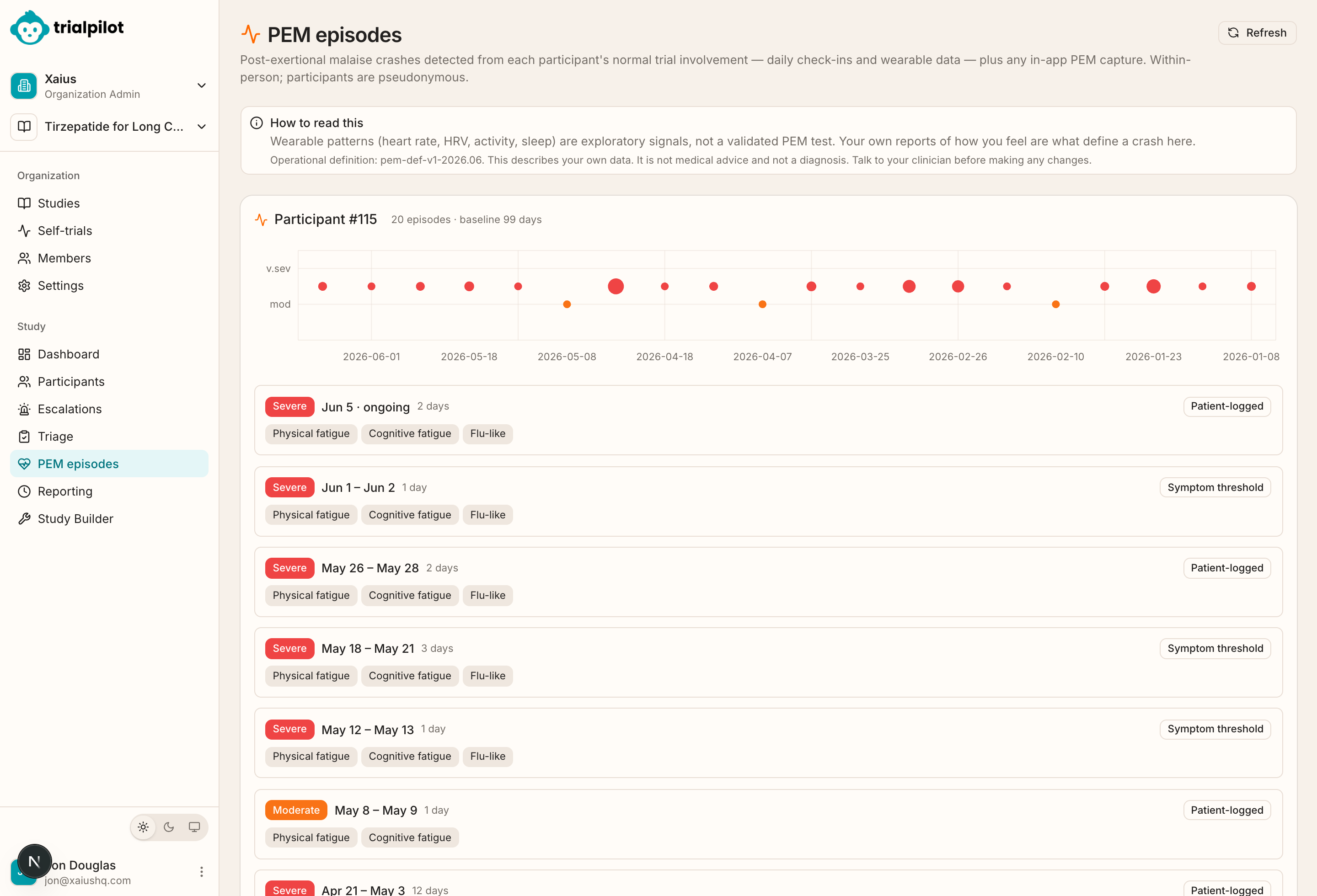
Symptom reports are not the only symptom signal available while you triage. Detected post-exertional malaise episodes give context on whether a participant is in a crash — see the PEM view described in Monitor participants.
Adverse events#
Open Adverse events to view coded adverse events for the study or for a specific participant. The list shows:
| Field | What it shows |
|---|---|
| Verbatim term | The event as originally described, before coding. |
| Participant | The participant pseudonym. |
| Seriousness | A seriousness badge, when the event meets seriousness criteria. |
| CTCAE grade | Severity on the Common Terminology Criteria for Adverse Events scale. |
| Reportability | Whether the event is reportable, once assessed. |
| Workflow state | Where the event sits in the safety workflow. |
Open an adverse event to work the safety workflow end to end:
- Review the event summary.
- Record seriousness criteria — whether the event meets regulatory definitions of serious (for example, hospitalization or life-threatening).
- Sign the causality assessment — the clinical judgement of whether the study intervention caused the event.
- Record expectedness — whether the event is expected given what is known about the intervention.
- Sign reportability — whether the event must be reported to oversight bodies.
- Track the resulting reporting obligations.
- Mark submissions complete as reports go out.
- Resolve or close the event.
From the adverse event detail page you can also generate an E2B(R3) ICSR file — the standard electronic individual case safety report format regulators and safety databases exchange.
Reporting obligations#
Open Reporting to view every reporting clock across the study in one place. The page shows all open reporting obligations, links each obligation to its adverse event, and highlights overdue clocks so nothing slips past a deadline. Sponsor task checklists appear below the obligation list when available.
Safety events that require regulatory attention also surface in the Regulatory workspace as reportable events, alongside IRB/IEC submissions and amendments.
Reconciliation and platform safety#
Before a database lock, reconcile serious events between this safety workflow and the trial dataset. See Safety reconciliation. In an adaptive platform study, the same events are also reported across arms: pooled for the blinded team and by arm for unblinded roles. See Safety across arms.