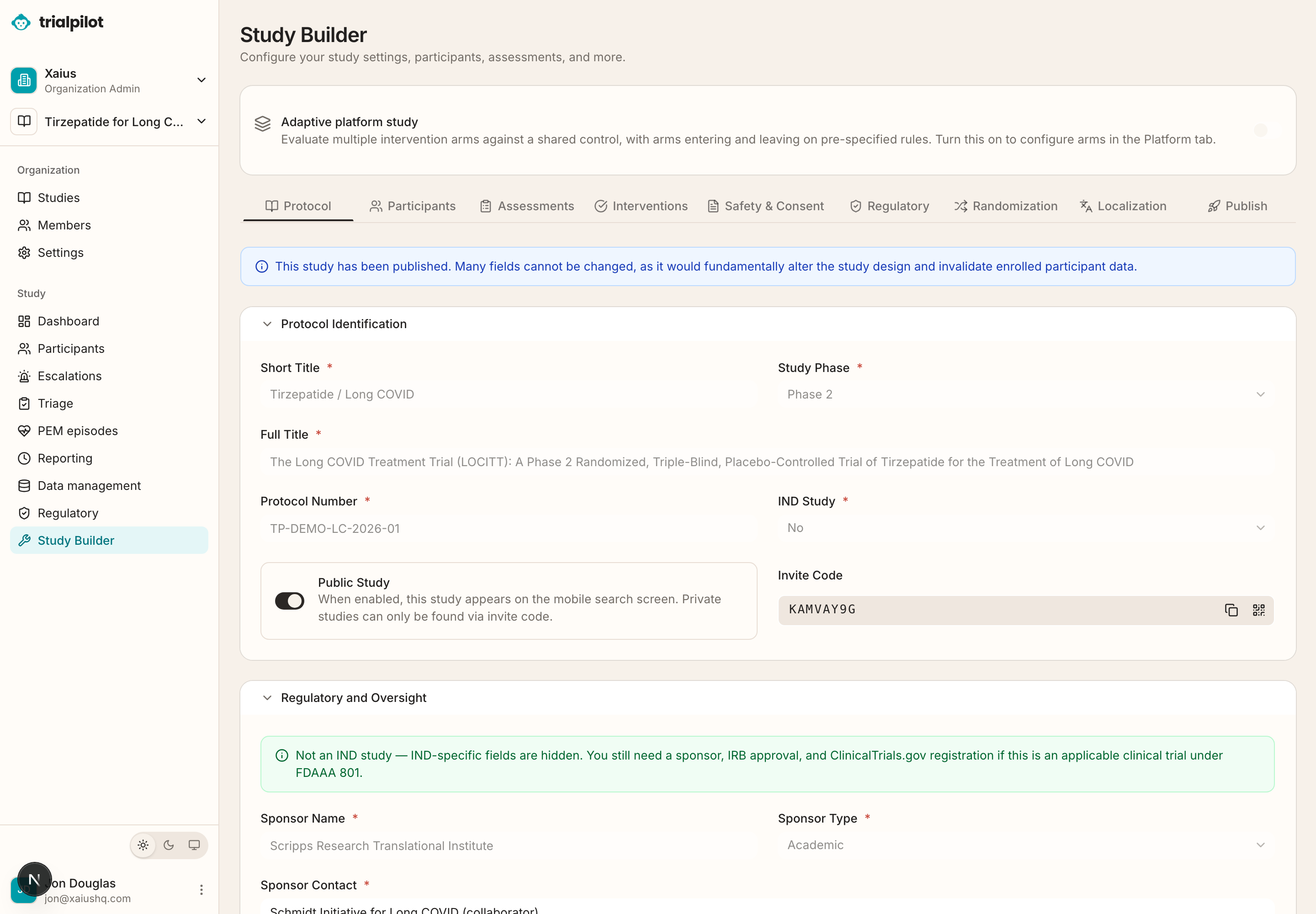
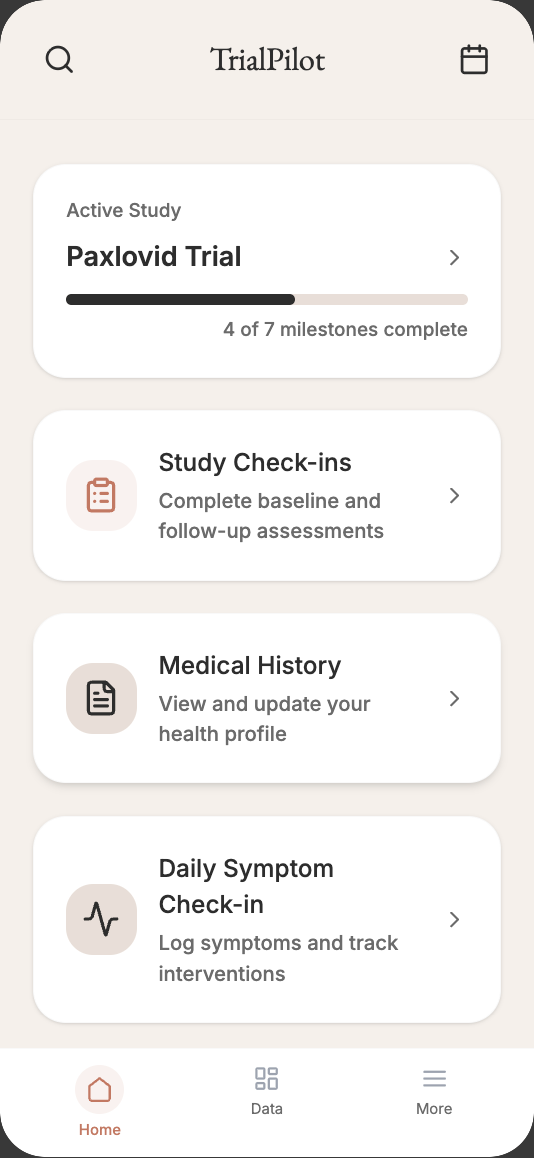
TrialPilot is a decentralized clinical trial platform with two surfaces: the Researcher Dashboard, where study teams design, run, and close out studies, and the TrialPilot app, where participants join studies and contribute data from daily life. These docs cover both, end to end.
Study teams
Run a study
Design a protocol, rehearse it in test mode, publish, enroll, monitor safety, and lock the database — all from the Researcher Dashboard.
Start with the study team guide →
Participants
Take part in a study
Join by link or invite code, give informed consent, complete gentle daily tasks, connect a wearable, and see your own results.
Start with the participant guide →
New to TrialPilot?#
These three pages give you the mental model the rest of the docs build on. They take about fifteen minutes together.
How TrialPilot works
A tour of the full study lifecycle: build a protocol, publish it, enroll participants, collect data, monitor safety, and export results.
Concepts and glossary
The vocabulary TrialPilot uses across the Researcher Dashboard and the mobile app, from studies and arms to check-ins and pseudonyms.
Roles and permissions
How organizations, study-team roles, blinding firewalls, and participant access fit together.
Run a study#
The study team docs follow the lifecycle of a real study, in the order you will actually do the work.
Accounts and organizations
Register, sign in, create or join an organization, invite your team, and manage organization settings.
Build a study
Create a study and work through the Study Builder: protocol identification, study design, team, objectives, and participant criteria.
Study templates
Start from a curated, versioned template instead of a blank protocol, then customize it to your study.
Assessments and schedules
Choose instruments, configure baseline, daily, weekly, and custom-week schedules, and see how they become participant tasks.
Interventions and dosing
Define the study product, comparator, administration details, and dose escalation schedule.
Consent and ethics setup
Configure eConsent content, IRB and ethics information, adverse event definitions, and safety oversight.
Randomization and blinding
Configure arms, generate or upload allocations, lock the schedule, randomize participants, and manage emergency unblinding.
Adaptive platform studies
Evaluate multiple arms against a shared control: frozen interim cuts, a SAC and DSMB with separate jobs, bounded adaptations, arm sponsors, and cost per arm.
Sites and site visits
Keep the study at home by default. Add sites only for what home cannot do, give each participant a site of record, and monitor by site.
Test mode
Every draft study is a sandbox. Rehearse the full participant experience with test data that never mixes with real data.
Publish and recruit
Validate the study, publish it for enrollment, and recruit through invite codes, links, QR codes, and the research registry.
Monitor participants
Track enrollment, completion, engagement, wearable coverage, per-site risk, and operational clocks without seeing identities.
Safety operations
Work escalations, triage symptom reports, manage adverse events end to end, and keep reporting clocks on time.
Data management
Trial-of-record workflows: data queries, coding review, safety reconciliation, controlled database lock, and audit. Licensed dictionary connections require qualification.
Trial Signal
Review study-level signals with uncertainty, blinding controls, and explicit publication boundaries.
Exports and CDISC
Export de-identified study datasets, trial-of-record data, and CDISC-oriented output.
Regulatory workspace
Manage IRB and IEC submissions, amendments, reportable events, and the enrollment activation gate.
Locking and closeout
What happens when a study locks: protected data, quarantined late arrivals, and the path to closeout.
Participate in a study#
Written for participants — including people managing energy-limiting chronic illness — with no research jargon left unexplained.
Getting started with the app
Download TrialPilot, create an account, review platform consent, and set up your health profile.
Browser participation
What the participant browser preview supports, and when a study needs the native app.
Your plan and routine support
A development preview of upcoming tasks, received work, and requests for routine study help.
Join a study
Find a study by link, QR code, invite code, or discovery, review what it asks of you, and give informed consent.
Check-ins and assessments
Your daily rhythm in the app: check-ins, questionnaires, guided physical assessments, and medication logging.
Wearables and health data
Connect Apple Health or Health Connect, understand what is read, and keep your data syncing.
Trends, pacing, and readiness
See your own data over time, with pacing and readiness views built for energy-limiting illness.
Results and study history
Review your progress during a study and understandable results after it completes.
Symptoms and safety
Report symptoms, capture PEM episodes, and understand what happens when something needs urgent attention.
Self-trials
Run a structured personal experiment with honest guardrails, on your own terms.
Your data and privacy
What researchers can and cannot see, how to review your data sharing, and how to export or delete your data.
Platform#
How TrialPilot protects participants and keeps trial data trustworthy, for readers evaluating the platform.
Privacy and de-identification
How TrialPilot separates identity from study data: pseudonyms, de-identified views, and small-cohort suppression.
Security and data integrity
Authentication, session controls, audit trails, and the Part 11 / ALCOA+ posture behind trial-of-record data.
One platform, two views#